Best crypto mining: checklist before running home nodes
Most people who tell you they're "crypto mining" from a laptop in their bedroom are running node software, not hashing SHA-256 on custom ASICs — and that distinction matters more than the marketing ever lets on.
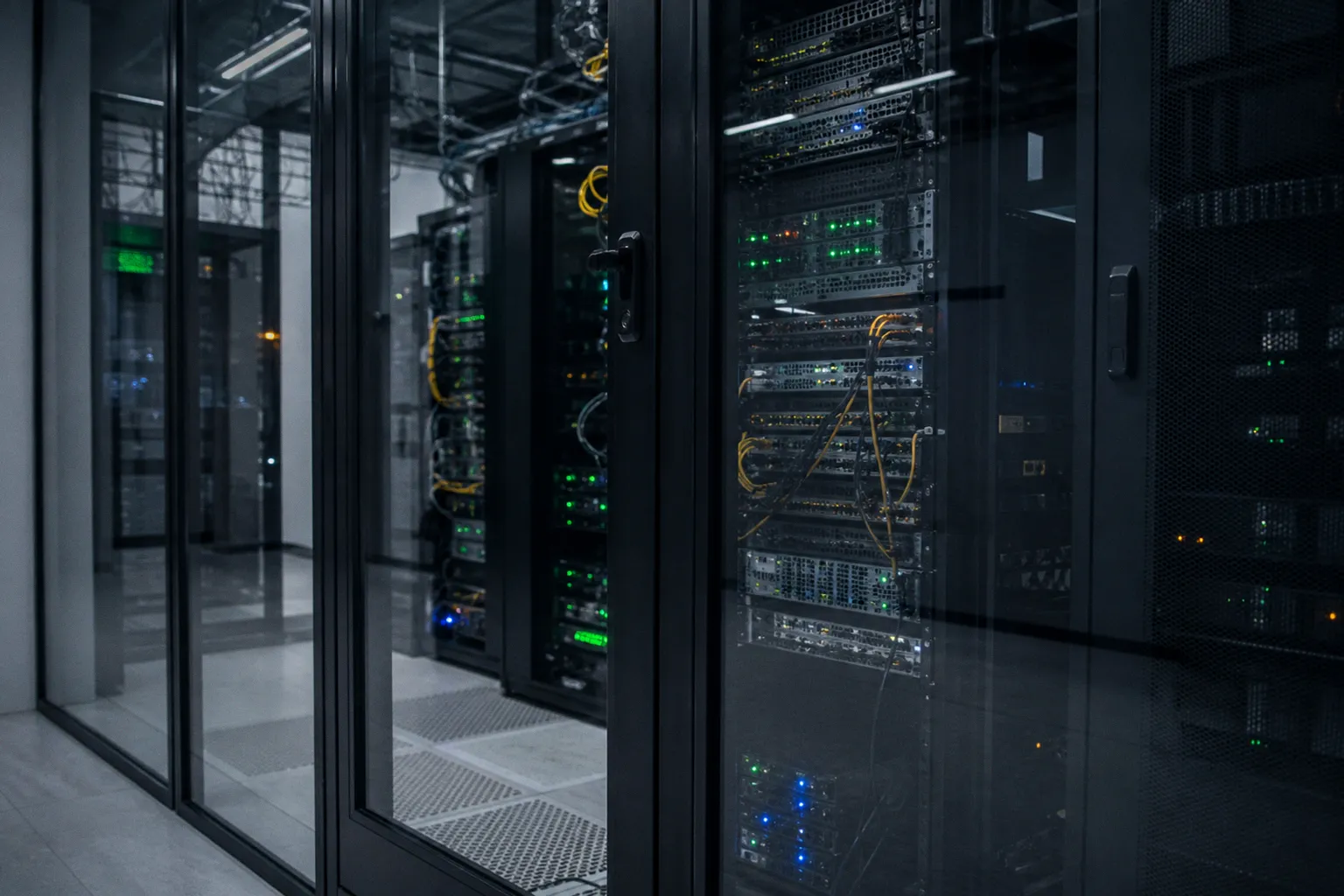
The fastest way to lose money on DePIN isn't picking the wrong project — it's deploying hardware you never bothered to size against your electricity bill.
What kind of node are we actually running?
Before any checklist makes sense, we need to be honest about which lane we're in. DePIN rewards fall into four buckets, and each one punishes different weaknesses:
- Storage nodes — Filecoin, Storj, Arweave. You're renting out disk space and proving it holds data over time. Hard drives and SSDs do the heavy lifting here.
- Bandwidth nodes — Grass, Mysterium, Dawn. You're selling unused internet capacity, often through a residential proxy layer. Your ISP and router are the bottlenecks.
- Compute nodes — Render, Akash, io.net. You're renting GPU or CPU cycles for rendering, AI inference, or general workloads. Hardware cost dominates.
- Sensor / location nodes — Helium, DIMO, WeatherXM. You're deploying a physical device that emits wireless coverage or environmental data. Capex is fixed and upfront.
If you don't know which lane you're in, every checklist below is going to feel vague. Pick the lane, then size the operation.
Assessing hardware requirements for DePIN networks
Here's the part most guides gloss over: hardware requirements aren't a single number, they're a floor. Different networks in the same lane have wildly different specs, and the ones with stricter specs usually pay better per unit of work. Let's look at how this breaks down in practice.
For storage nodes, you typically need enterprise-grade drives if you want competitive rewards. A consumer HDD that works fine for Plex will get you rejected or down-ranked on Filecoin, where the network audits "Proof of Spacetime" to confirm your disk is actually holding sealed sector data continuously. Expect to provision at minimum 1–8 TB of usable space per node, with redundancy (RAID or at least a backup drive) factored into your cost model. NVMe SSDs accelerate the sealing process but cost roughly 5–8x per TB versus HDDs.
For bandwidth nodes, the hardware is almost embarrassingly cheap — a Raspberry Pi 4 or a small NUC handles most residential proxy workloads. The real constraint is your internet connection. Most bandwidth-sharing DePINs want symmetrical or at least upload-heavy connections: 100 Mbps upload is a common minimum, with competitive nodes pushing 500 Mbps. If your ISP caps monthly data (many do — look at you, cable providers with 1 TB caps), you'll either earn less or get throttled mid-month.
For compute nodes, GPUs are king. We're talking RTX 3090s, 4090s, or enterprise cards like A5000s. The barrier to entry here is steep — a single competitive GPU node can run $2,000–$4,000 in hardware before you've paid for electricity. Some networks (Akash, for example) accept CPU-only providers but pay meaningfully less per hour of compute delivered.
| Node type | Minimum hardware | Sweet spot | Hidden cost |
|---|---|---|---|
| Storage | 1 TB HDD, 8 GB RAM | 8 TB mixed SSD+HDD, 32 GB RAM | Drive replacement every 3–5 years |
| Bandwidth | Raspberry Pi, 100 Mbps up | NUC, 500 Mbps symmetrical | ISP data caps and throttling |
| Compute | 16 GB RAM, mid-range GPU | 64 GB RAM, RTX 4090 | Electricity draw under sustained load |
| Sensor | Specific radio hardware (e.g., LoRaWAN gateway for Helium) | Outdoor-mounted with PoE | Site acquisition and antenna permits |
Calculating the true cost of home node operations
Now let's do the math nobody on crypto Twitter wants to do publicly. The break-even formula for any home node is roughly:
Daily token yield × token price ≥ daily electricity cost + daily hardware depreciation
That second term is where amateurs get burned. Hardware depreciation isn't a one-time line item — it's the daily amortized cost of the equipment over its useful life. A $2,000 GPU node with a 3-year expected lifespan costs you about $1.83 per day before you've turned it on. Add 50–500 watts of continuous draw, and a node pulling 200W at your local rate of $0.15/kWh is costing you another $0.72/day. So your floor is roughly $2.55/day in token value just to break even.
Electricity is the single biggest variable. We've seen operations that print money in regions with $0.06/kWh industrial rates go net-negative the moment they're replicated in a $0.22/kWh home in California or Germany. Pull up your last electricity bill before you spec any hardware. If you're paying residential rates above $0.18/kWh, GPU-heavy compute nodes are going to be a tough sell unless token prices are cooperating.
Storage nodes are kinder to the electricity bill — a 4-bay NAS with mixed drives typically pulls 40–80W, which over 24 hours adds maybe $0.15–$0.30 to your bill. Bandwidth nodes are the gentlest, often under 30W total. The hardware is cheap, the electricity is negligible, but the earnings per node are also lower. There's no free lunch; you're trading capex for opex.
If you can't write down your electricity rate, your hardware cost, and your expected daily token yield in one row of a spreadsheet, you're not ready to deploy.
Network performance and uptime reliability standards
This is the section where "set and forget" optimism usually meets reality. Most competitive DePIN networks enforce a 99.9% uptime target — that's roughly 43 minutes of allowable downtime per month. Not per week, not per year, per month. If your node goes offline during a verification window, you can lose days of accumulated rewards or get slashed entirely, depending on the protocol.
What kills uptime at home?
1. ISP outages and maintenance windows. Your provider's 2 AM maintenance reboot takes your node offline for 15 minutes. That's already a third of your monthly budget gone.
2. Power flickers. Even brief brownouts can crash consumer-grade hardware that lacks a UPS.
3. NAT traversal and dynamic IPs. Some protocols penalize nodes that change IP frequently or sit behind aggressive CGNAT.
4. Thermal throttling. A node in a closet running 24/7 will degrade in performance and eventually fail if ambient temperature isn't controlled.
For bandwidth-heavy nodes, latency matters too. Decentralized compute tasks often want round-trip latency under 50 ms to the orchestrating network. If you're running a node in a rural area 200 ms from the nearest major exchange point, you can be online 100% of the time and still get paid less because your work is rejected as too slow.
The fix for most home operators is a small UPS ($60–$120), wired Ethernet instead of Wi-Fi, and a static IP if your ISP offers it. Some operators run redundant cellular failover — overkill for early experiments, sensible once you're scaling past one node.
Verifying proof of physical work and service integrity
Here's something that surprises newcomers: the network doesn't trust your node just because you ran the software. DePIN protocols actively verify that you're doing the work you claim to be doing. The two most common verification mechanisms are Proof of Spacetime (your disk really is holding sealed data continuously) and Proof of Physical Work (your bandwidth or sensor really is providing coverage at this moment).
These proofs aren't optional, and they're not vague. Filecoin, for instance, runs a continual audit cycle where your node has to respond to cryptographic challenges proving it still holds specific data sectors. Fail the audit and your collateral can be slashed. Grass and similar bandwidth networks check that traffic is actually flowing through your connection — a node sitting idle won't earn, regardless of uptime.
This is where sybil resistance comes in, a phrase you'll see in every serious DePIN whitepaper. Sybil resistance means the network is designed so you can't just spin up 50 fake identities and harvest rewards 50 times. For some projects that's done via device fingerprints, unique hardware attestation, or proof-of-location. For others it's economic collateral. Either way, the lesson is the same: don't try to game it. Networks that catch sybil behavior have been known to retroactively confiscate all associated rewards.
What you should do is make sure your node is configured to actually serve traffic or store data. We see plenty of operators run a node for weeks, see near-zero rewards, then realize their firewall was blocking inbound connections or their storage pool wasn't actually sealed.
Choosing between home hardware and VPS hosting
The final decision point, and the one where most beginners hesitate: do you run this thing on your own hardware, or do you rent a VPS in a data center?
Home hardware wins when:
- Electricity is cheap
- You already have the hardware sitting around
- The protocol rewards residential IP ranges (some bandwidth networks do)
- You want to learn the stack hands-on
VPS hosting wins when:
- You need 99.9% uptime and can't guarantee it from home
- The network is latency-sensitive (compute, real-time)
- You live somewhere with expensive electricity or ISP restrictions
- You're running multiple nodes and want geographic distribution
Costs vary widely. A mid-range VPS from Hetzner, Contabo, or a similar provider runs $30–$80/month for specs that can host a bandwidth or storage node. Compute-heavy nodes need dedicated GPU instances that start around $200/month and climb fast. Compare that against your break-even calculation from earlier, and you'll see why some operators run a hybrid setup: home for bandwidth, VPS for compute, or vice versa.
The pre-flight checklist before you deploy
Before you click "start node," run through this list. If you can't check every box, don't deploy yet — fix the gap first.
- Identified the lane (storage, bandwidth, compute, sensor) and the specific network you're targeting
- Pulled your last 3 months of electricity bills and calculated your true per-kWh cost
- Sourced hardware that meets or exceeds the network's published minimum specs, with at least 20% headroom
- Confirmed your ISP terms of service allow commercial resale of bandwidth or persistent server hosting (many residential plans technically don't)
- Set up redundant connectivity if uptime matters — wired Ethernet, UPS, optionally a cellular failover
- Configured monitoring so you get alerted within 5 minutes if the node goes offline (UptimeRobot, healthchecks.io, or a custom Grafana dashboard)
- Verified inbound ports are open and your firewall isn't blocking the protocols the node needs
- Calculated break-even — daily token yield in USD vs. daily electricity + daily amortized hardware cost
- Stored your seed phrases and private keys offline — never on the same machine that's running the node
- Read the slashing terms for the specific network so you know what behavior triggers penalties
Final thoughts
Running a home node for DePIN rewards isn't glamorous, and it isn't a get-rich-quick scheme. It is, however, a real way to put idle hardware and bandwidth to work — provided you treat it like a small infrastructure business rather than a magic money machine. The operators who do well are the ones who spreadsheet their break-even before they spec the hardware, who monitor their uptime religiously, and who pick networks based on tokenomics rather than Twitter hype.
Start small. One node, one lane, one project. Measure your actual yield against your actual cost for a full month before you scale. If the numbers work, double down. If they don't, rotate into a different lane or a different network — the work transfers, the hardware mostly transfers, and the lessons definitely transfer. That's the real mining now: patience, accounting, and uptime.